Settings
Reached by the gear at the top of the project list. Five cards, and one of them changes what the whole app offers.
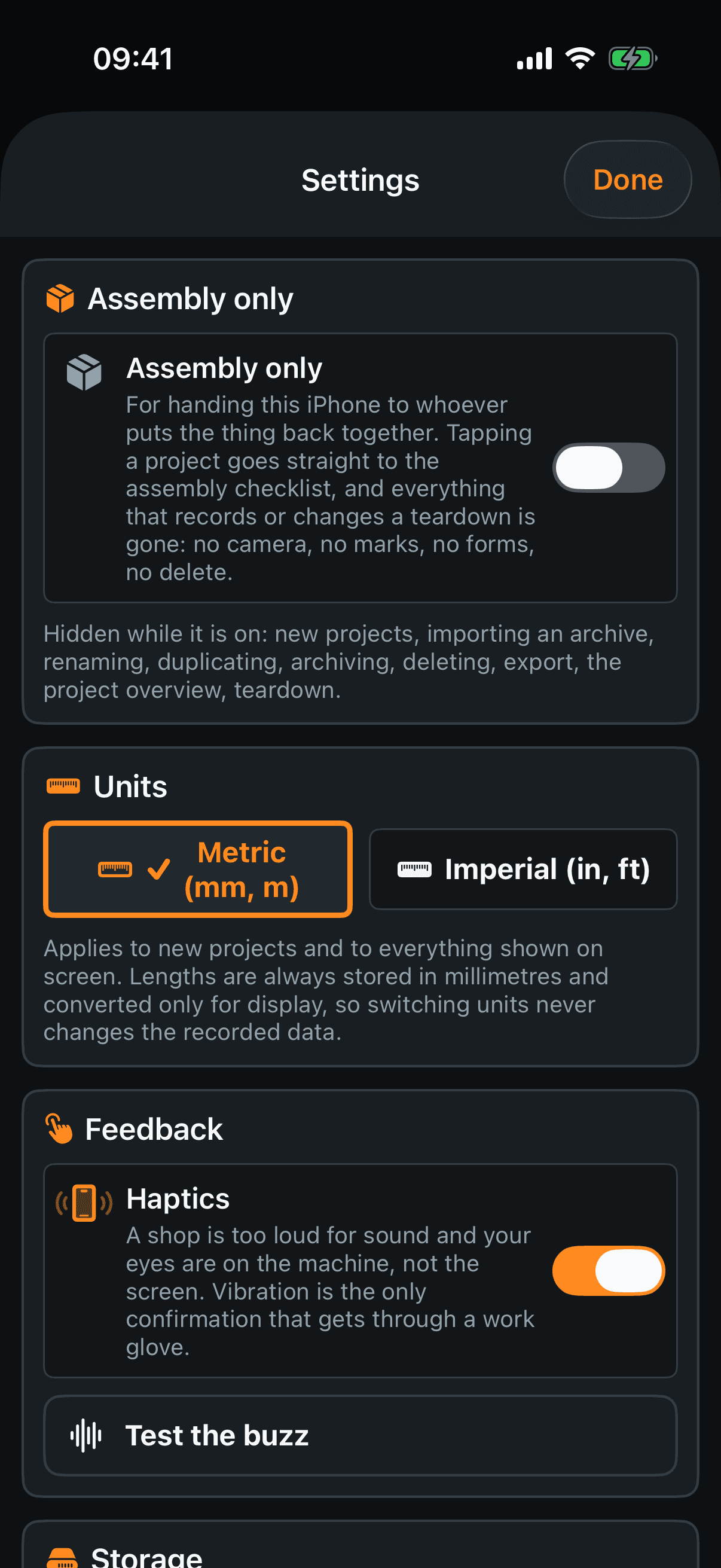
Assembly only — for handing this iPhone to whoever puts the machine back together. Tapping a project then goes straight to the assembly checklist, and everything that records or changes a teardown is gone: no camera, no marks, no forms, no delete. New projects, importing, renaming, duplicating, archiving, deleting, export, the project overview and the teardown screen are hidden while it is on — the card lists them. The gear stays reachable, because it is the way out.
Units — metric or imperial. It changes what you see and nothing else: lengths are always stored in millimetres and converted only for display, so switching back and forth never alters what was recorded.
Haptics — the buzz that confirms a tap. A shop is too loud for sound and your eyes are on the machine, so vibration is the only confirmation that gets through a work glove.
Test the buzz — fires one, so you know what you switched off.
Storage
Used by projects / Free on device — the two numbers that decide whether the next teardown fits.
Storage split — how the space divides between photos, exports and everything else.
Recalculate sizes — measures the folders again, for after a big delete.
Clean up leftover files — removes files on disk that no project points at any more. When there are none it says so instead of pretending to work.
The last two cards
Shop notes — a short reminder of the things that cost you the whole job rather than a small inconvenience: shoot the overview before you touch anything, two photos per step, get a readable frame of every nameplate.
Service — one line of diagnostics with a button to copy it, for when something needs reporting, and Reset settings to defaults. That resets the three switches on this screen, assembly-only among them, and the question says so. It does not touch a single project.